What about Bob?!

I finally spent a few hours today getting “Bob” (my 3D printer) back on his feet after his major brain/heart/liver/lung etc. transplant…. ha! 

I had received the new Extruder motor driver chip in the mail while on this last trip down to NC so I finally got around to installing it. I then tweaked the power setting (Vref) to finally get the proper amount of filament going through the extruder (E-steps), but still had to do a minor hack in the firmware settings to get it close to spot on. 

Not perfect in what should be normal ops (now the extruder is a bit louder than it should be… will slowly get some feedback via forums and do some further diagnostics), but the outcome was very good. 

I did a test print of the little #6 nut tolerance checker (no pic here) I made up –which was majorly failing due to major under-extrusion before I installed this latest extruder motor driver chip. After dialing in the filament extrusion I finally got my first good print after my massive overhaul of the printer.

Since Bob’s been a bit lazy lately (offline) . . .  I took the opportunity to get something printed while I worked on the house to prep it for sale [the main reason I wanted to get the 3D printer back operational!]. 

I cleaned up one end of the rectangular tube that will make up the X-axis motor mount/housing on the CNC’d lathe (I snagged it from the hangar this last trip). I then took measurements on the clean end and in about 10 minutes had a CAD drawing sketched up in Fusion 360 for a top cap that will help keep the dust, chips and swarf out of the pulley assembly and belt that will be internal to this mount.  

Here’s the cap just after it finished printing:

And here we have the cap installed inside the rectangular motor mount/housing tube.  It fit so well that I won’t print another one until I get bored with the white color!

I’m happy to have Bob back to work so that I can kick off prints and have them going while I’m working on the house!


Chapter 22 – Panel Mockup V2

Today I was able to test fit version 2 of my instrument panel cardboard mockup.  I’ll reiterate that I feel that it would be infinitely easier to simply trace out, cut a panel by hand and then mount it than it is to constantly fiddle with drawing up the instrument panel in CAD to fit the existing composite panel structure . . . again, especially at the top curve and leg cutout curves.

However, since I do have a bit of time available to do draw up and check the panel –since I’m still in the amazingly protracted process of moving down to NC– in the long run it will be so much better to have a match-fit panel available in CAD if I ever want to do any panel upgrades, improvements or overhauls.  The ability to plan and fit on “paper” in CAD will make any future (and has definitely been proven during current planning machinations…) upgrades or additions much, much easier to handle.

Clearly the major change between panel version 1 and panel version 2 is the notch made top centerline to incorporate the warning annunciator sub-panel.  Since we didn’t print out all the switch positions with the marker, it’s not easily identifiable to note that there are a couple fewer switches on the panel.

Panel version 2 fit much better than version 1, most significantly at the leg holes.  The top curve still offered up a few challenges, but that should be easily remedied but just one slight shaving in the upper left corner and lopping off about 0.030″ on the bottom corners just above each arm rest.  
In addition, I do plan on moving ALL the instruments and avionics up about 0.15″ to create a wider crosspiece just above the leg holes.

Although I didn’t get a shot of it, I also checked my 3D-printed model of the new style (to me) canopy latch handle structure.  I’m very pleased with the size & configuration of the new canopy latch handle and really do think it will work out really nicely and provide the required clearances with the F-15 throttle handle and the Garmin GNS-480 GPS.

I also checked out my one-off design for the NG-30 uprights’ hole cover.  I had to trim a bit off the bottom back edge for it to slide into place, which tells me I need to angle that piece.  

It fit generally well, but I do have a long list of tweaks that will need to be made for it to fit in a truly acceptable way.

One critical design change that I must make on this hole cover piece is that its height will have to be reduced at least by 0.1″ on the outboard edges.  When I tried to place the nose hatch cover back into place with this cover piece in place, there was a slight gap caused by the lack of clearance between the nose hatch door and this cover piece.

Still, I think I’m off to a good start and this will eventually get there design-wise as well!

I also did a fair amount of organizing and cleanup of the hangar, as well as an attempt to track down some hardware that is eluding me at the moment.  Overall, with my dimensional notes in hand as I head back north, it’s been a fairly productive trip build-wise.
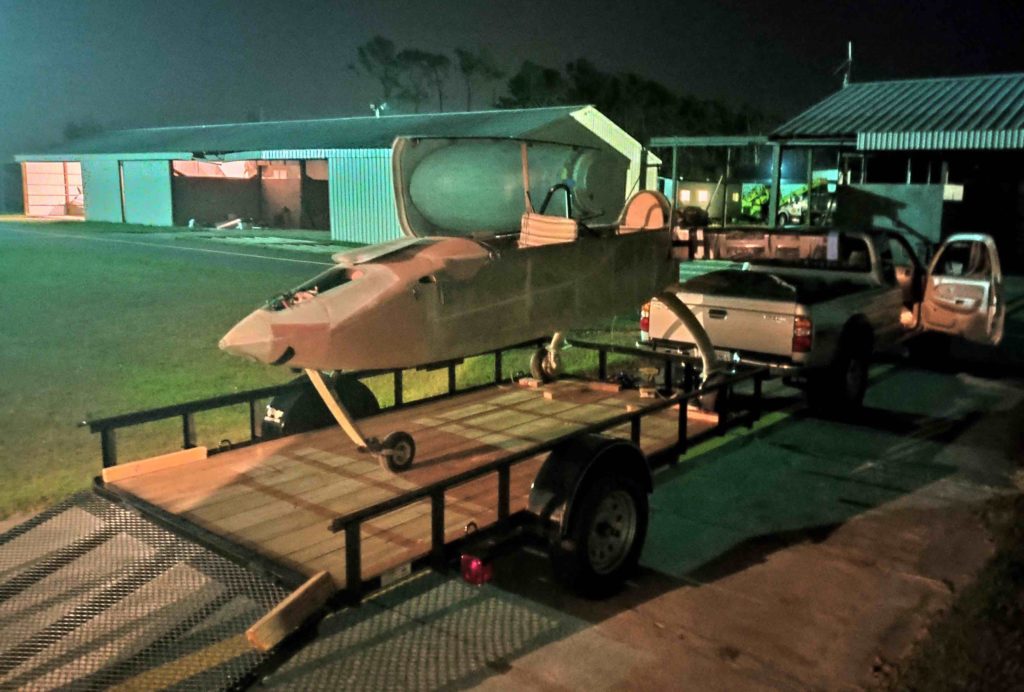
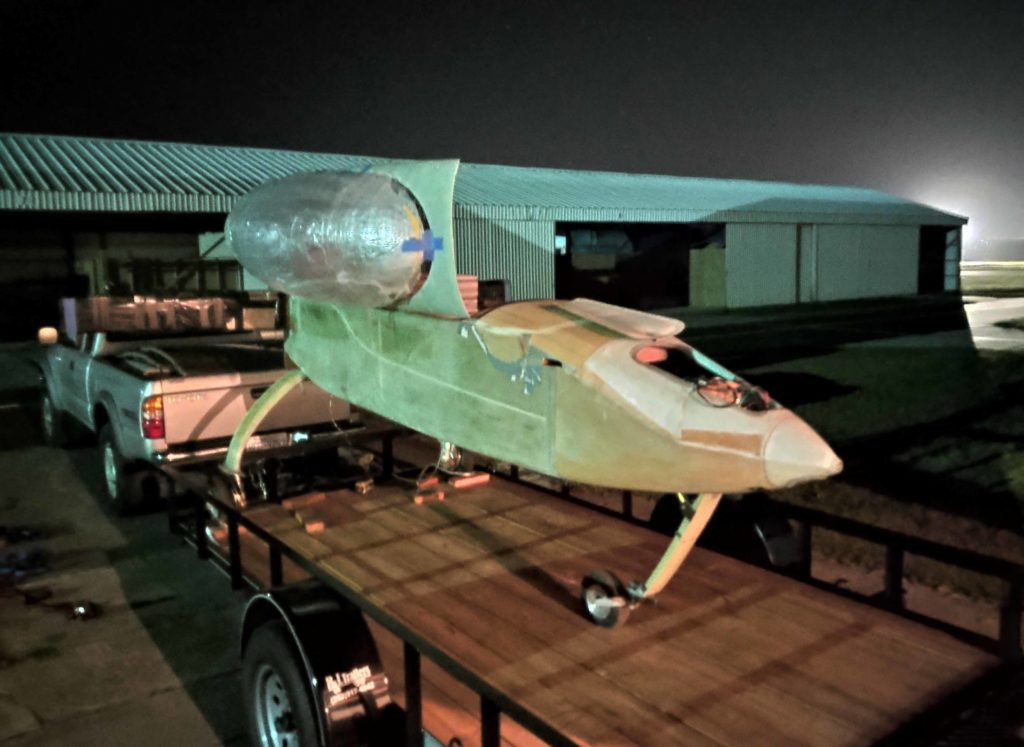
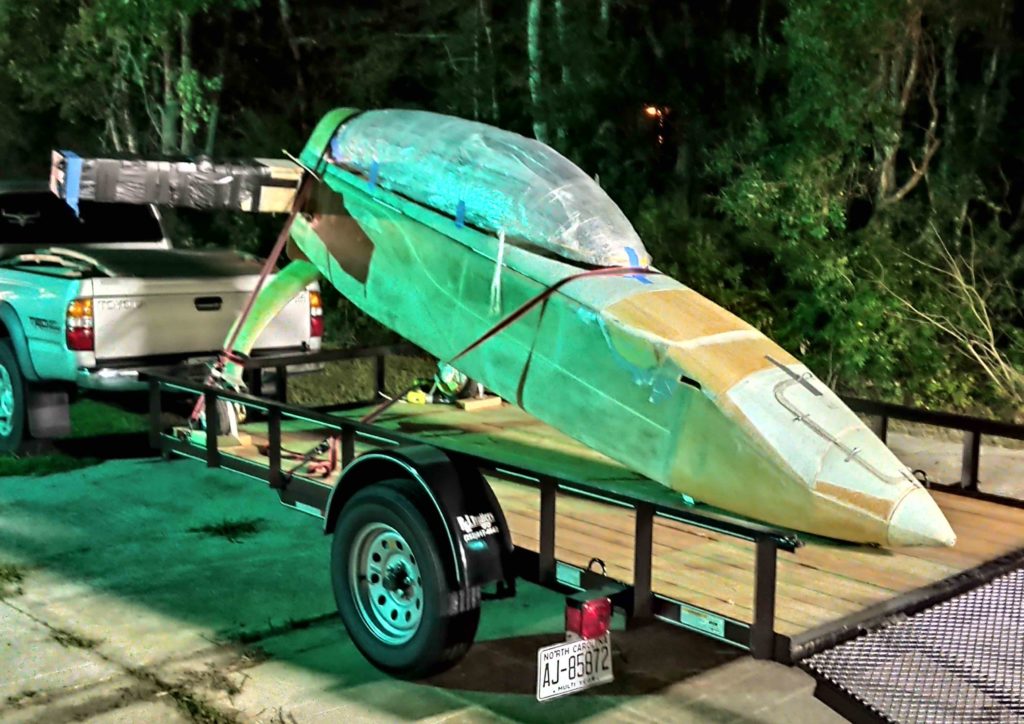
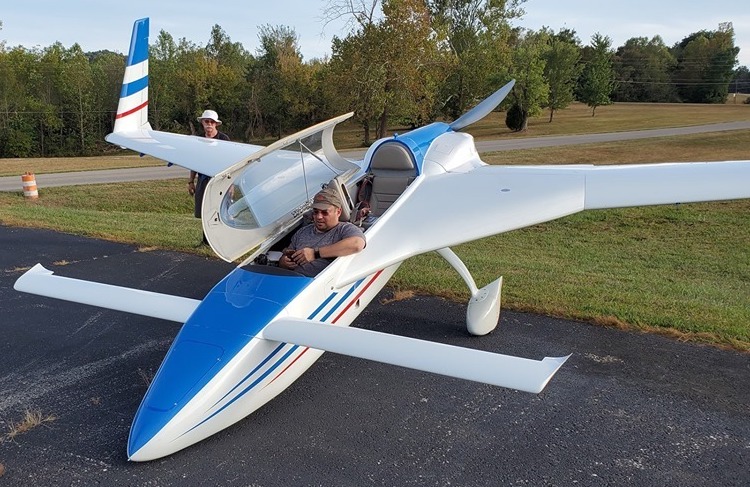
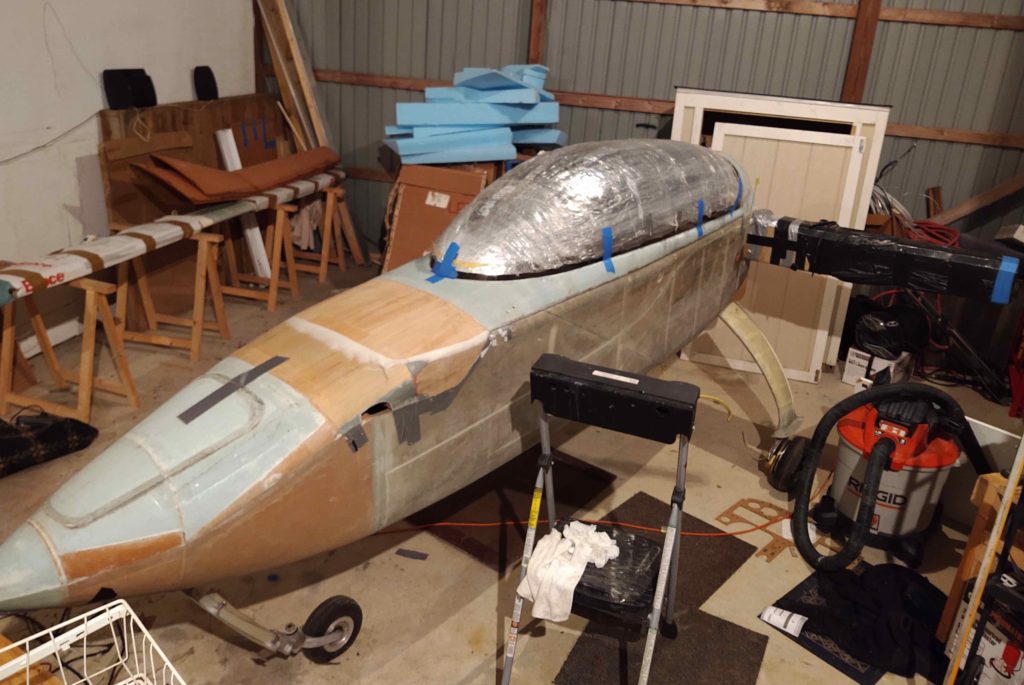
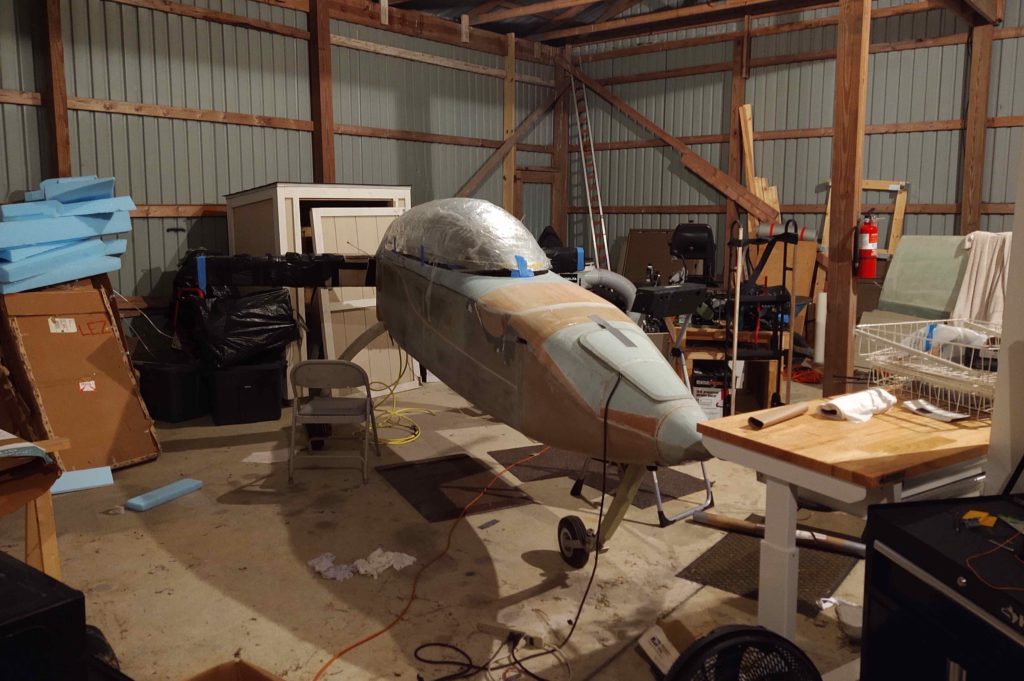
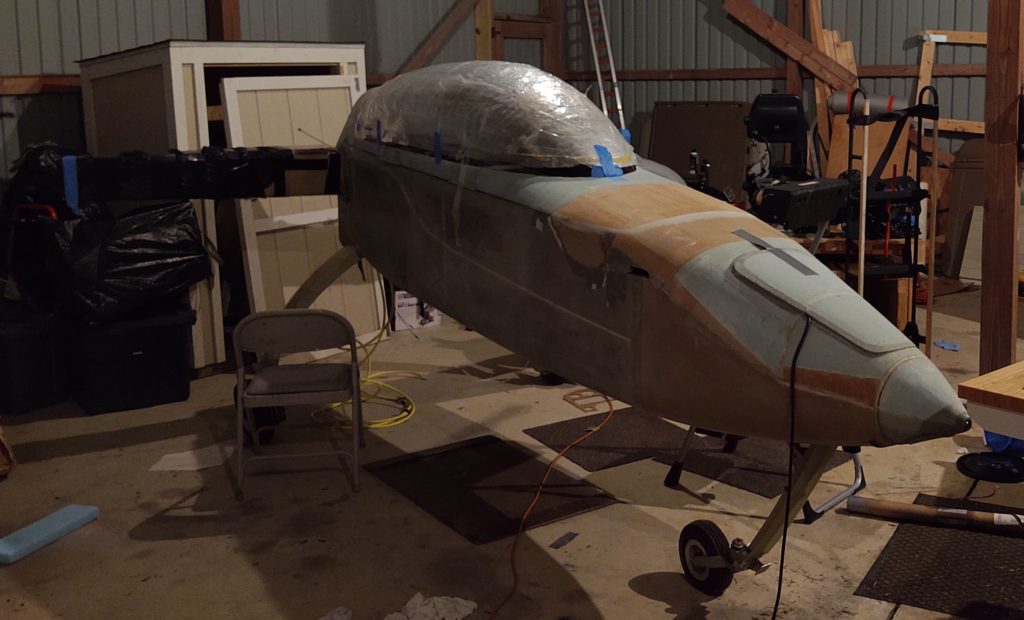
I added this pic below after the original post… it’s a pretty good shot of the nose and canopy (I blocked out the face of my friends’ daughter, who wanted to sit in the plane, since they don’t care for pics of her on the internet).

Chapter 22 – Panel mockup #2

While at Marco’s I spent well over an hour updating the remaining tweaks I had noted that my panel drawing required to fit properly as on overlay onto the existing composite panel structure.  The main areas that are difficult to dial in is the top curve and the leg hole curves, but after a bit I had them as close to what I wanted and was ready to print.

It took a bit more time for Marco to convert the Fusion 360 CAD generated G-code into a usable format for us since we have to have the plasma cutter stop after each drawn component so that we can lift the Sharpie, then position the print (plasma cutting) head to then drop the pen and draw the next component. 

Just as before on panel version 1, it was no real difficult feat and after a short bit of time Voila! We had panel version 2’s mockup drawn up on a large piece of cardboard.

I then spent another half hour cutting out the panel just before me, Marco, Gina, Chris Cleaver and his wife Mary Kay went out for some delicious fish tacos down near the Virginia Beach boardwalk.

Upon returning back to Marco’s I then set the warning annunciator sub-panel in place in the notch I had created in the upper centerline area of the instrument panel.  The fit was good, although I may need to scale down the gap just a touch between the main panel and sub-panel.

I’ll be heading down to the hangar in North Carolina tomorrow, so I’ll be able to do another test fit of the latest version of the panel. Clearly after just another round or two of panel fitting we should have it dialed in nicely and ready to cut the real panel out of 0.090″ thick 6061 aluminum.

My Aerial Photog stint!

For my latest haul down to North Carolina, this time around I decided to stop by Marco’s on the way down rather than my usual coming back from NC.

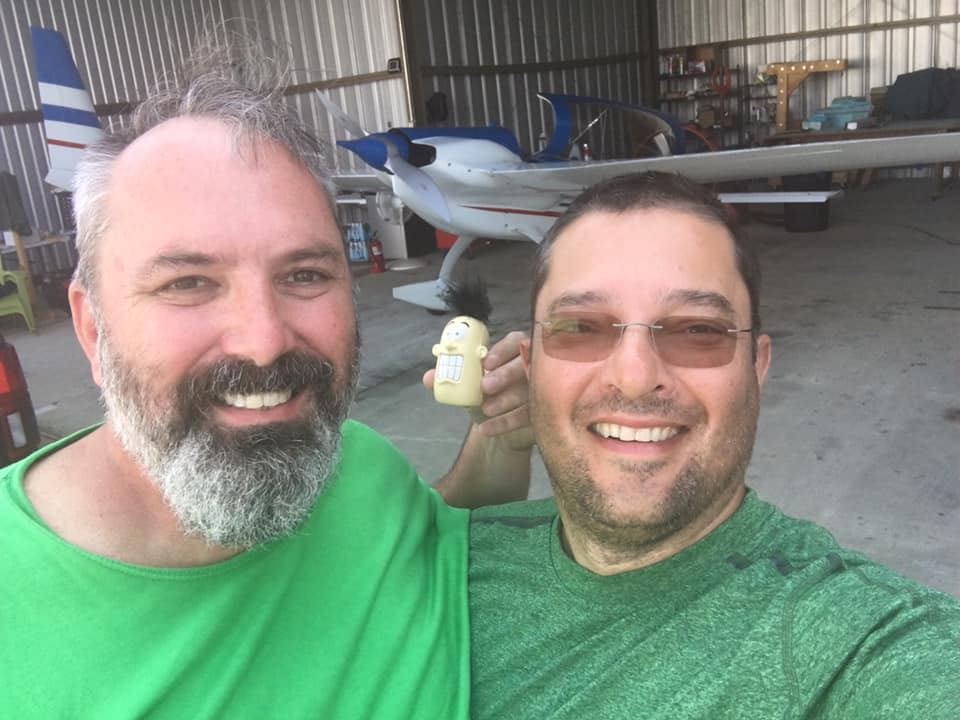
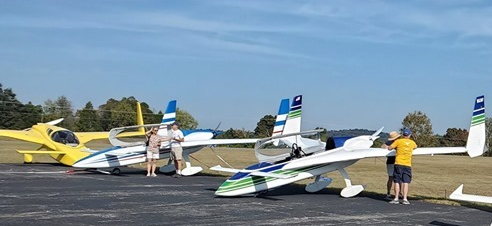
I met Marco at the Chesapeake Airport along with new Canardian Chris Cleaver and his freshly purchased Long-EZ built by none other than Mike Toomey.  If you’re not aware of the history, Mike Toomey and Terry Lamp (builder of Marco’s Long-EZ) were Long-EZ building buddies in Ohio, so the two planes share a lot of the same design DNA.

Within 15 minutes we were taxiing out to the runway and were airborne soon after.  

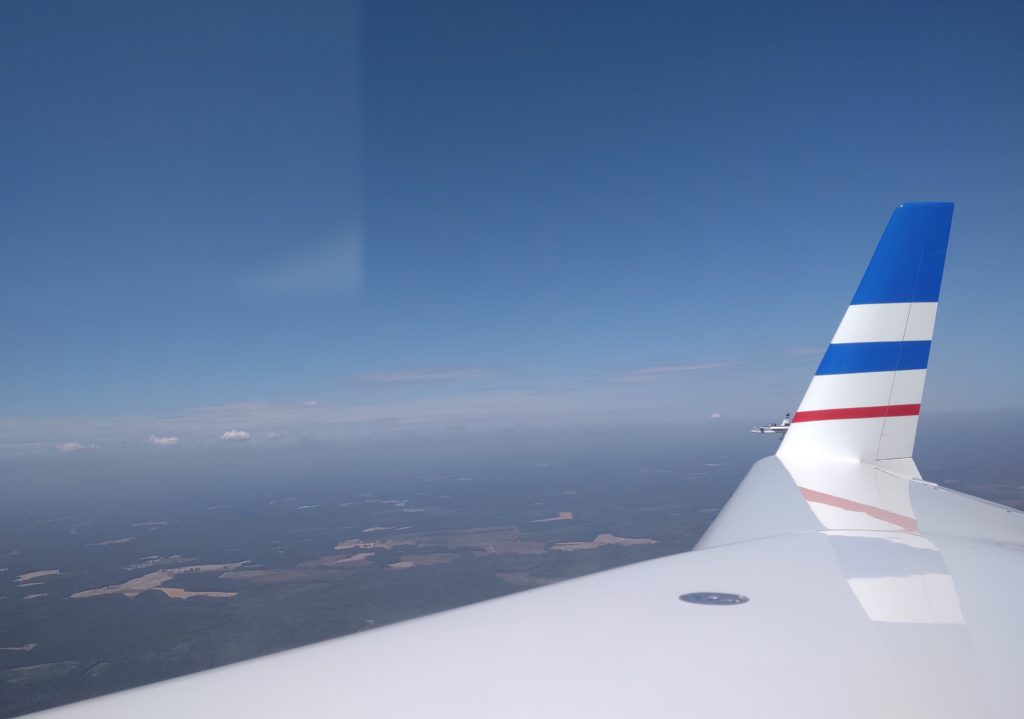
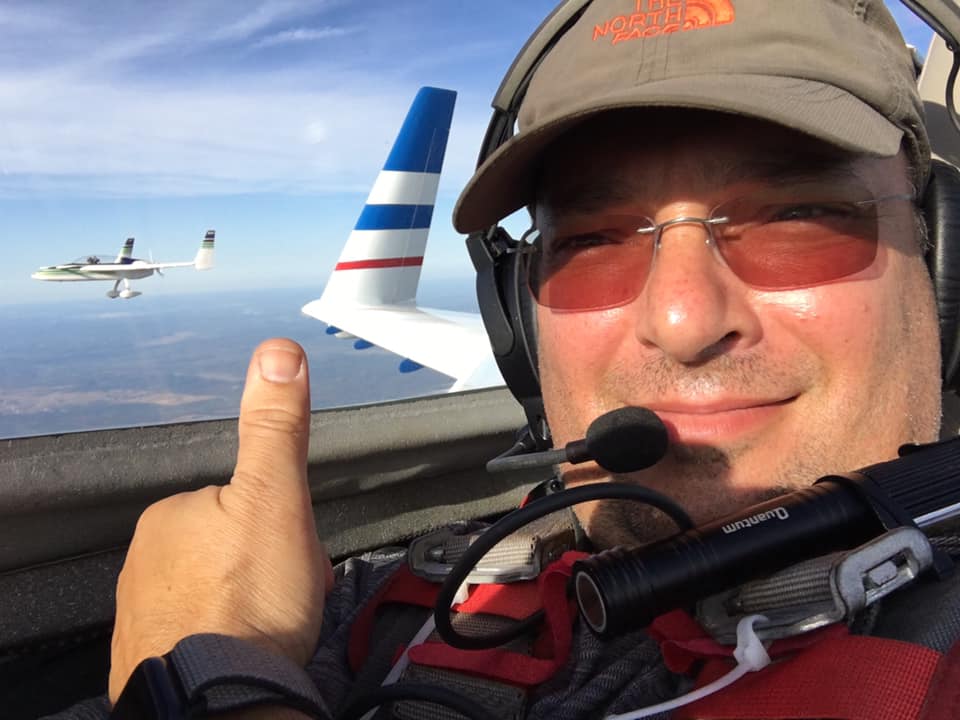
Here’s a smattering of pics that I took of Chris in his beautiful new Long-EZ.  With the location of Chesapeake Airport so close to the North Carolina line, nearly all these pics were actually taken in the northeast corner of North Carolina.

We were airborne for about 45 minutes before finally landing back at home base.

Here’s a video Marco made from my cell phone camera footage.

I will say that our little adventure definitely got me pumped up to get my bird finished!

Chapter 13/22 – Panel Hinge Pin

I woke up today and still had the small batch of white filament that comes with the 3D printer loaded. So I quickly 3D printed out a copy of both the aft nose/avionics cover hinge pin, and just the knob itself, to test the fit & function on the panel. 

I had designed the knob to be both knurled and with a slot in the top end to use a quarter/coin to tighten/loosen it.  However, I was just a hair narrow on my sketched slot (had meant to confirm the thickness of a quarter) so a quarter wouldn’t fit. 

With the results of my newfound “test,” I set about working on the arduous 45 sec change in Fusion 360 so that the real one that I make will have the proper slot dimensions. 

Tested and confirmed all for ~0.11 cents worth of 3D printer filament!

As a reminder, here’s my rendered CAD version of the aft nose/avionics cover hinge pin.

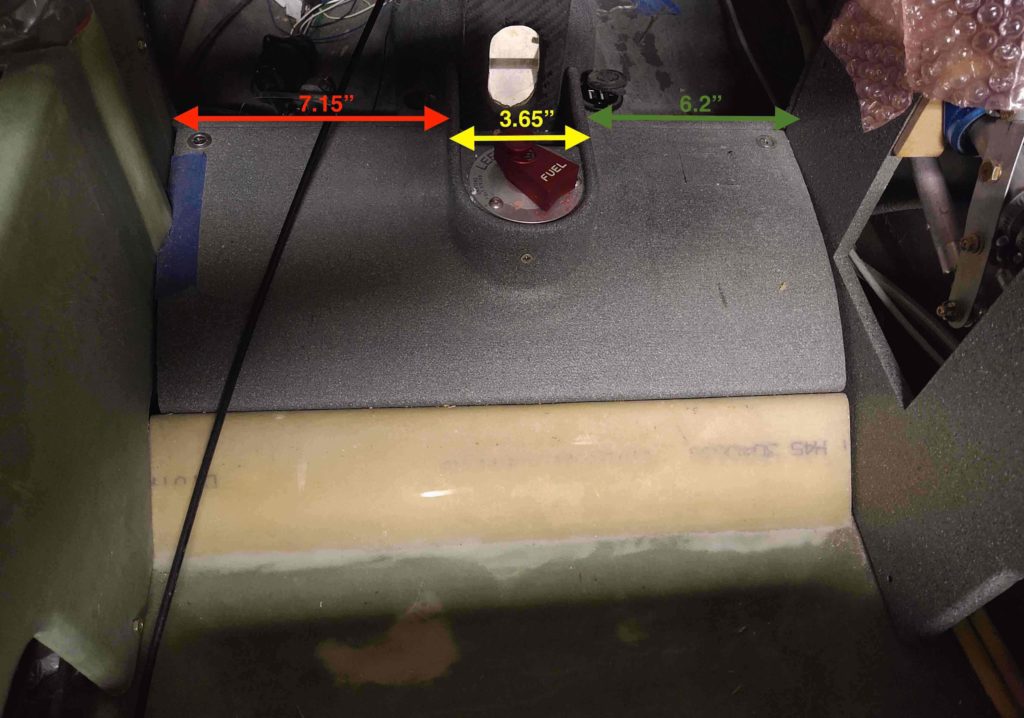
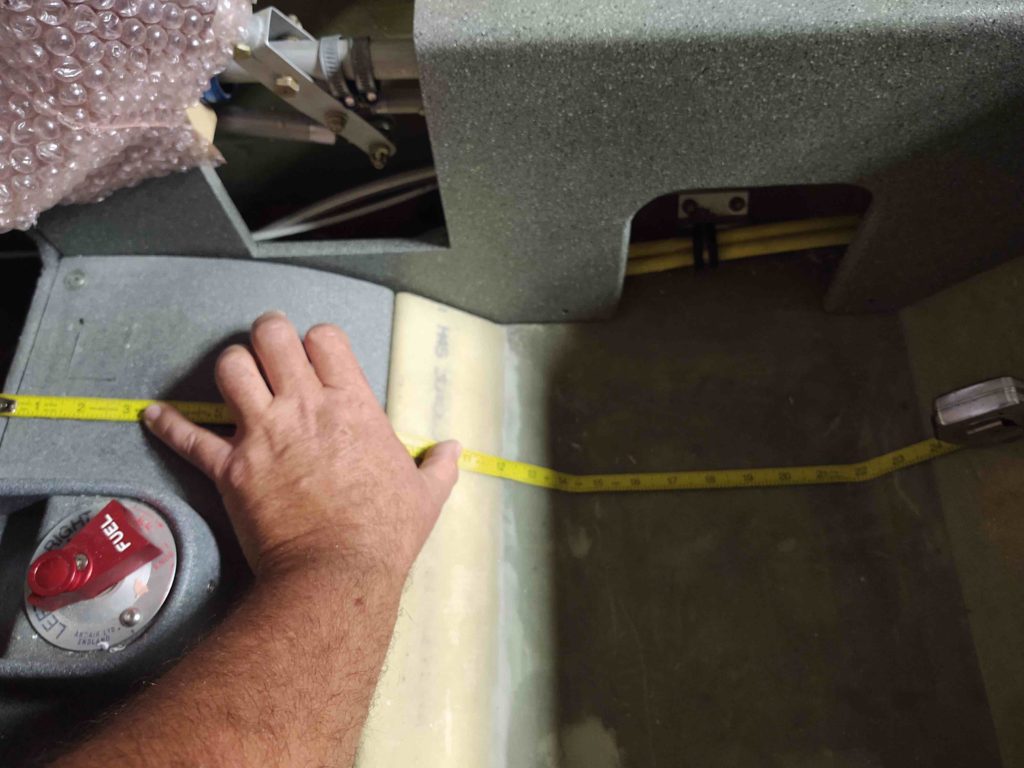
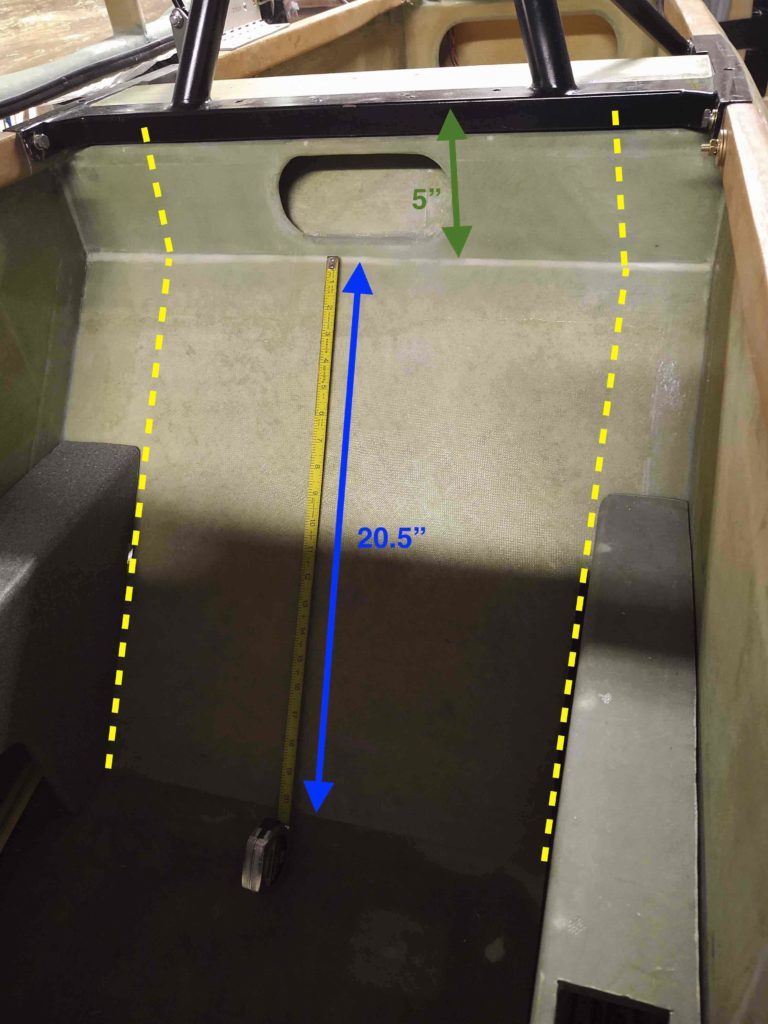
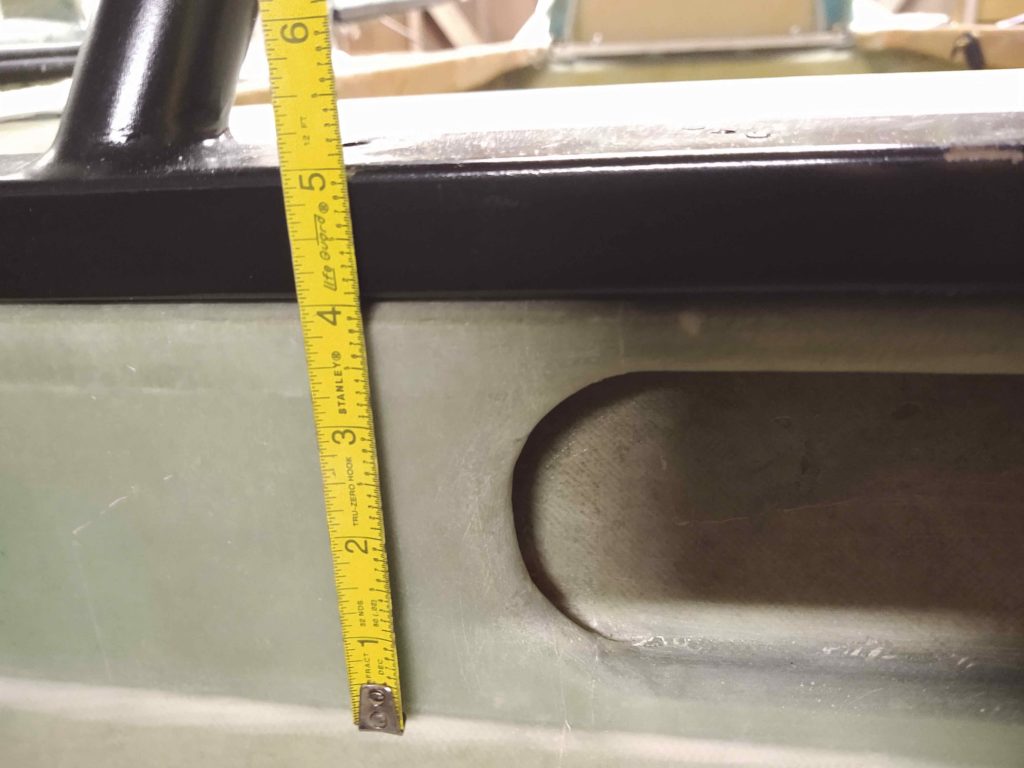
Since I have no real furniture to speak of due to the move, normal places to put stuff gets tight…. and sitting on my “end table” (2x4s and plywood) was a scrap of paper that had the dimensions that I had measured up at the hangar for a cap (green thing above) that will enclose the top hole of the NG30s (circled in yellow below). 

I know, not a big deal in getting my plane flying, but since I’m currently in 3D printing mode, I figured I would start working up the model to tweak for just a few extra minutes at a whack every time I visit the hangar.  

As I was looking for something else, that piece of paper with the dimensions ended up on the floor.  Well, in my my attempt (read: frustration) to minimize the clutter, I sat down for 10 minutes and knocked out the CAD drawing for the initial version of that NG30 cap and then 3D printed it…. no need for that piece of paper anymore!

Here’s the blank topside of the NG30 cap. 

I do have the initial curved area for the top of the “Napster” bulkhead shaped into the piece, but I’m sure there’s another dozen or so more tweaks that will need to be made before the final version (which will have some type of label most likely), but like I said… with just a few minutes and some notes each hangar visit, I’ll slowly get it dialed in with the correct dimensions and shape.

Once again, my little 3D printer is definitely doing some good deeds!

Chapter 18/22 – 3D Printing Show & Tell

I started off today by measuring out and then drilling the holes for the #6 screws on the opposite side face from the stock screw mounting holes on the Starter Contactor.

I then mounted the starter contactor to its new PETG 3D printed mounting bracket for the first time with all sets of screws in place.  Thankfully, I got it right and the mounting holes lined up perfectly!

Here’s a couple more shots of the starter contactor (FINALLY!) secured to its mounting bracket.

I then ran down to my local Village Hardware Store to pickup the required hardware to make my canopy latch assembly work.  There were still some compromises since I couldn’t find any CS screws shorter than 1/2″ (plus, the countersinks on this latch assembly are set for 100° aircraft screws vs. the standard 82° sold everywhere else).

Besides getting a real sense of its size, the best part of having this physical model of the canopy latch assembly is to actually make it function as designed… to see how all the parts move and work together real world.  I have to say, so far I don’t see any binding or snags with the configuration so far.  

Of course, how this carries over with actual manipulation of the canopy rods and latch hooks remains to be seen, but so far we’re off to a good start.

Here’s the outboard side of the canopy latch assembly.  You can see where the main body will get bolted –via 4x AN3 bolts– to the interior fuselage sidewall.  Also, you can see the rectangular portion of the handle (center/left) that will protrude through the aircraft sidewall and will be visible on the exterior of the airplane.

Since the 3D aspects and functioning of the canopy latch assembly is hard to depict simply by mere words and pics alone, I made a quick video to help describe it…. along with some other 3D printed parts that I’ve made for (or related to) the Long-EZ build.

Here’s a shot of the major 3D printed Long-EZ related components or models that I’m currently working on.

Before I started filming the video, I kicked off a 5+ hour long PETG (my first with this black filament) of the Warning Annunciation Subpanel Version 2.
[I could hear Bob whirring away in the background, but apparently it couldn’t really be heard in the video . . .]

Here it is much later after it finished printing.  Again, PETG is known for being stringy, and the label fits since it is quite that.

One reason why this particular 3D print took so long is that there were a considerable number of supports printed to ensure the print came out straight and true. The blocks on each end, the rectangles containing the holes and the inset linings of the middle squares were all full height supports that I removed.

Here’s the part a bit later, after I removed all the supports, cleaned it up a bit and then swapped the components out from Version 1 to this version.

As you can see, I added tabs to each side specifically to be able to add labels to the switches.  The raised-letter printing didn’t come out so great, although I will try to apply some white paint to see how bad/good it actually looks.

My thought though is to simply increase the height of these side tabs, and then order some sticker labels that I will then attach to each tab.  So far I’ve noted about 7 different changes that need to be made to Version 2 to create a new Version 3 down the line.

To be clear, as these items develop more, there will most likely be fewer blog updates … especially as I begin more and more work on prepping my house to sell.  I just wanted to get an initial surge going on this 3D printed stuff so I could then fiddle with it a bit here and there as I work on my house prepping.

Chapter 18/22 – 3D-Printed Canopy Latch

I figured as I went about my duties today I would have “Bob” (my 3D printer) hard at work printing out the components to my Canopy Latch assembly.  

As I worked up the canopy latch handle in CAD, I spent a good deal of time —all in vain I might add— to connect the components together in Fusion 360 using its various software generated joints in an attempt to make a working virtual model of the canopy latch to see how it would operate… and if there were any configuration issues.  Alas, all for naught as I found out from a good unnamed friend of mine that in Fusion 360: “Joints are a b*tch!” True that!

In addition to seeing how this thing will work mechanically in the real world, as with most of my components I want to be able to actually test the size, fit and configuration in my real plane on the next trip down to my NC hangar.  

To be clear, this is just a working mockup that will facilitate flushing out any bugs (hopefully!) so I can tweak the design if required before machining the final canopy latch assembly out of aluminum and phenolic.

With the white PLA filament still loaded in the printer, I started Bob off printing a mockup of the threaded phenolic sleeve that will thread into the center block of the handle assembly to mitigate friction of the aft sliding connecting rod.

I then swapped the PLA filament to blue and began printing the main canopy latch assembly components.  Below is the latch assembly’s lower mounting bracket.

Here we have a “so far” progress pic with the lower mounting bracket and “phenolic” connecting rod sleeve insert.

I then 3D printed the upper mounting bracket.

Then came a rather mo-jamma 3D print: mainly since the main handle piece needed supports for the overhanging part of the handle — on the left side in the pics below.  

Supports in 3D printing are designed to be removed after the part is completed printing, but serve to support any part that overhangs more than around 45-50°.

Here’s the canopy latch handle with the 3D-printing supports removed.

And a final glamour shot of the canopy latch handle.

A number of 3D printed parts later (2x connecting rods and connecting end cap) and with no real hardware to speak of, I quasi-assembled the Canopy Latch assembly as best possible.  I’m very interested to see how this contraption will work once I get some hardware and attach all the parts together!

I had ordered some black PETG filament from Amazon that had not yet arrived, so I picked up some gray PETG from a nearby Micro Center store.

PETG is a filament that combines the ease of printing of the very common PLA filament with the robust strength and heat tolerances of ABS.  Actually, PETG is stronger than ABS but just a bit less tolerant of high heat (PETG is stable up to around 80°C).  Moreover, with just a few slight parameter tweaks, PETG prints out somewhat normally analogous to PLA, whereas the much more finicky ABS requires an enclosure around the printer to ensure heat retention during the entire printing cycle of the ABS part.  Whereas ABS prints are renowned for their nuisance seam splitting and corner lift-ups off the printing bed, PETG can be excessively stringy and have globules all over the part if the print parameters aren’t dialed in correctly.

Thus, armed with this knowledge in hand, I set off to 3D print my first PETG part: the small pivot plate for my Canopy Latch assembly (this pivot plate allows the latch to mechanically manipulate the #1 canopy latch hook that physically sets farther forward in the cabin than the canopy latch handle assembly does).

I had a bit of drama printing this out, but not really due to the PETG (although at first I was thinking it was near impossible to print with this stuff!) but rather my placement of the part on the virtual print bed in the Cura 3D printer slicer software… it was at a very slight [not flat] angle and was causing all sorts of mayhem!

I then printed out the small propeller and hub for my 3D printed Long-EZ model (sorry, no pic) which turned out a little grainier than PLA, but still fine nonetheless.  

After feeling good about my dialing-in of the print parameters for PETG, I pulled the trigger on printing out the “final” Starter Contactor Mounting Bracket.  

To be fair, below is a pic of 3D print #2 of the starter contactor bracket because at hour 3 of the 4+ hours it takes to print this thing, I decided to go full stupid and snag an errant glob of filament off the first print with my trusty snippers when –with the speed & efficiency of a Star Wars killer recon droid– the printer head shot across the part and slammed into my then hopelessly caught snips.  Bam! I knocked the printer head off its alignment at which point it quite happily —out of spite Bob!— started making spaghetti about a half inch off to the side of the part.  STUPID and lesson learned: so I quickly set this print (#2) up and left it alone!!!

[It did give me a chance to attempt to break the part from the aborted first 3D print… and the claims are quite true: this PETG is strong stuff!]

Here’s the contactor mounting bracket 10 min later after some much needed cleanup.

And with that much excitement in the bag, I went to bed.  Tomorrow I’ll assemble the canopy latch components and get the Starter Contactor mounted to its finally completed bracket.

Tooling up: Need more CNC!

Today my entire effort was to get the new milling machine Y-axis CNC stepper motor, 2x CNC stepper motor drivers, and 2x 300 watt power supplies ops checked.  I want to get all these components configured and ops checked so I can pack them up for the next load down to NC.  Moreover, if I have any issue with any of these latest round of components I need to be able to let the seller know in a timely manner so we can correct any issue.  Of course, crossing my fingers that all works as designed.

However, before I can do all the above, I need to take some prerequisite action on the Lathe CNC Controller Box (yes, that currently houses the Acorn controller components for the mill… I’ll swap boards when I get the next Acorn CNC controller kit) by first installing a cooling fan (that I just received) and cooling vent port on the other side of the case.

Below is a shot of the 90mm fan installed, with exterior cover plate, on the right end of the Lathe CNC controller box.  Since I didn’t have a 90mm hole cutting saw, I simply drew out a circle and cut the hole with my trusty Dremel Tool.

Here’s the inside shot of the 90mm cooling fan for the Lathe CNC controller box.  

I have it positioned where it is to optimize the airflow over the cooling fins of the both X and Z axis stepper motor drives mounted (obviously) just in front of the fan.

Before I cut the opposite vent hole in the Lathe CNC controller box, I decided to use a 50mm fan/vent cover that I downloaded and 3D printed.  I chose 50mm since I wanted it a bit smaller than the intake cooling fan (90mm) to allow for a slight overpressure of the box to slow down the exiting air and allow it to pick up heat before it exits (analogous to our oil coolers on our airplanes).  Also, I had a 2-inch hole saw, so . . . it was all a bit convenient (wink).

Again, here’s the interior shot of the Lathe CNC controller box cooling vent.

So, after about a half hour down in the shop I realized “Bob” (the moniker my 3D printer now bears) was not doing a darn thing!  I figured I would put Bob to work and since I had an entire day scheduled in the shop, I could do some longer 3D prints.  

I decided to print a Long-EZ model that Terry Lamp (builder of Marco’s beautiful Long-EZ) showed me a pic of that he had done.  So I kicked off the 3-1/2 hour long 3D print that was required per each side of the fuselage.

Here’s the results late in the evening!  Again, I have to say I’m very impressed with this little 3D printer.

As I told Terry: Of course I love how cool this little model is, but it will also really help me visualize some paint schemes that are a little hard to do without an actual finished airplane or just looking at 2D pictures.

Again, not a direct airframe build kind of day, but getting closer with this ancillary stuff!

Chapter 22 – Minor panel redesign

I’m not sure exactly when I came up with the idea, but over the last couple of days –while updating the Instrument Panel CAD drawing– I decided to move forward with a Panel Warning Annunciator Cluster Sub-panel that would include the major panel components that I would need in case of most emergencies: including notification via the pair of AG6 Warning Annunciators and possible fix actions via the Gear Automatic Extension System/Emergency Gear Down Switch and the Backup Alternator (SD-8)/E-Bus activation switch.

In addition, I would move the “AEX ENGAGED” notification Korey LED light from the row just above the HXr EFIS to this sub-panel cluster as well.  That would, in turn, allow me to use that empty light position to add a “RAM Air Open” indicator light to give me positive feedback that my RAM air butterfly valve was in fact in the open position…. good to verify when descending below 3000 feet for low level flight ops, landing, etc.

Finally, conspicuously not added to this group is the Alt-Static Source switch, which I will leave in a different spot on the panel.

I then spent a few hours creating and then extracting this model drawing from the Instrument Panel CAD drawing…. thus, not only does it share the same DNA, but more importantly the same top curvature and centerline.  This will allow me to better appropriately notch the panel for clearance of this cluster if I end up going this route.

Just in case you’re scratching your head wondering what the heck I’m on about (probably not unusual!), I’ve depicted a rough outline of this Panel Warning Annunciation Cluster overlaid on a pic of the panel.

I should note specifically that I have 2 main driving reasons for incorporating such a warning annunciation cluster:  First, I want to ensure unimpeded visibility of the AG6 warning annunciators by literally putting them “in my face,”  and by extruding the mount for the AG6’s rearward and placing them just under the aft edge of the glare shield gets them in that “in my face” position.

Second, by consolidating the 2 key emergency-specific electrical switches in this cluster, I both better organize the panel functionally and concurrently clean up the panel of extraneous switches placed in a somewhat willy-nilly fashion.

Upon arriving home this evening from NC, I fired up my trusty 3D printer and made a very fast, rough “proof of concept” 3D print of this warning annunciation cluster.

As I was leaving out from NC, I stopped off at the hangar to scavenge the AG6 warning annunciator display/buttons, “AEX ENGAGED” Korey indicator light, the emergency gear down switch guard and some mini-toggle switches.  

I then used all the above to populate my freshly 3D printed warning annunciator cluster sub-panel.

Here’s a top view, which would actually never be seen if this sub-panel were mounted in the airplane since the top abuts the underside of the glare shield.

Moreover, the pic below does show a change that I quickly realized I needed to make on this model, which was to increase the “height” (technically depth) of the switch stepped platforms moving aft by 0.15″.  This will serve to get the aft edge of the switch guards (there will be one on the right side switch as well) closer aligned with the AG6 annunciator faces.

This sub-panel will be mounted to the top center of the panel via 5x #6 screws, which I have a couple installed to test fit the screw hole sizes.  

Here’s a shot of the backside of the sub-panel, showing AG6 module, switch, and Korey light position, configuration and clearance.

With space tight, and to keep this cluster as compact as possible, I incorporated the “AEX ENGAGED” Korey indicator light so that it is actually embedded into the body of the sub-panel.  Moreover, the switch guard of the AEX OFF/ON and Emergency Gear Extend switch slightly overlaps the bottom edge of the Korey indicator light.

So far I’m very happy with how this Panel Warning Annunciator Cluster Sub-panel has turned out and I’m excited to test fit it in the actual airplane.

Chapter 22 – On-site checks

Meanwhile, at my hangar in North Carolina, I was able to check the fit and configuration for installing the starter contactor –on its freshly 3D printed test mounting bracket– in the battery compartment of the nose.

As you might be able to surmise by the pic below, the available space is TIGHT but the starter contactor and mounting bracket just fit.

I then made sure to check available clearance between the starter contactor and the battery for a couple of the large cables that will need to traverse at that spot.

This shot may show just a bit more of where the mounting bracket will get secured to the battery compartment sidewall.

I then checked the fit of my cardboard mockup of the panel that Marco printed out on his plasma cutter.  I found a number of areas where the dimensions need to be tweaked, especially around the leg holes and along the top edge, the latter being around 1/4″ short for a good 4 or so inches each side of the center line.

So, it’s literally back to the drawing board for the panel.  I’ll then check Version #2 next time I’m down in NC.